
See what any Shopify store is built on
A free MIT-licensed browser extension that names the theme, the apps and the tracking pixels behind the Shopify storefront in your active tab — and exports its public product catalogue to a Shopify-ready CSV. No account, no sign-up, four permissions.
Why it exists
Working out what a Shopify store runs on normally means reading view-source, guessing at script hostnames, and still not knowing whether the theme is a catalogue theme, a customized fork or a bespoke build. Stackpeek does that read for you in about a second, in a side panel beside the store rather than on top of it.
It is also deliberately readable: the extension asks to read the page you are looking at, so its source is published in full rather than shipped as a minified bundle you are asked to trust. Full documentation, the install guide and the privacy policy live at stackpeek.app.
See it work
What it does
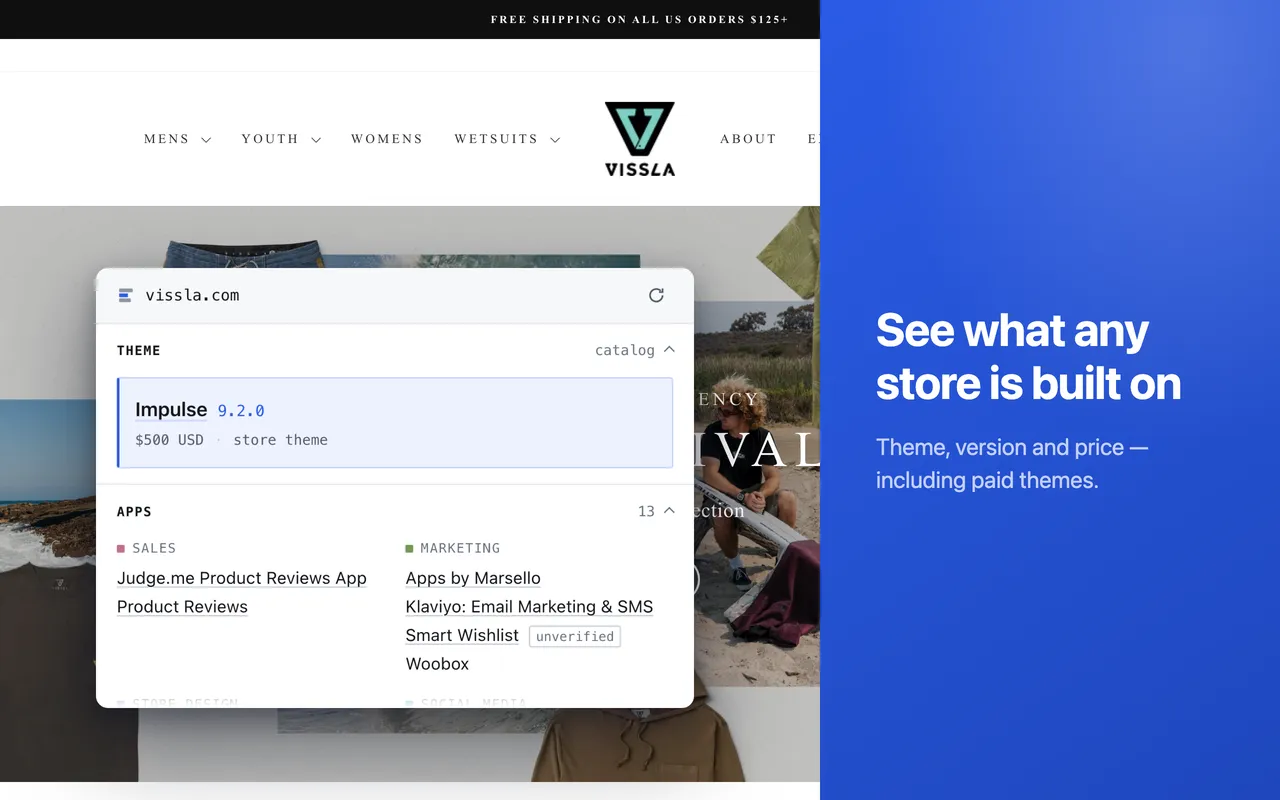
Names the theme
Catalogue themes by name, version, creator and price — and whether the store runs the original, a customized fork, or something bespoke.
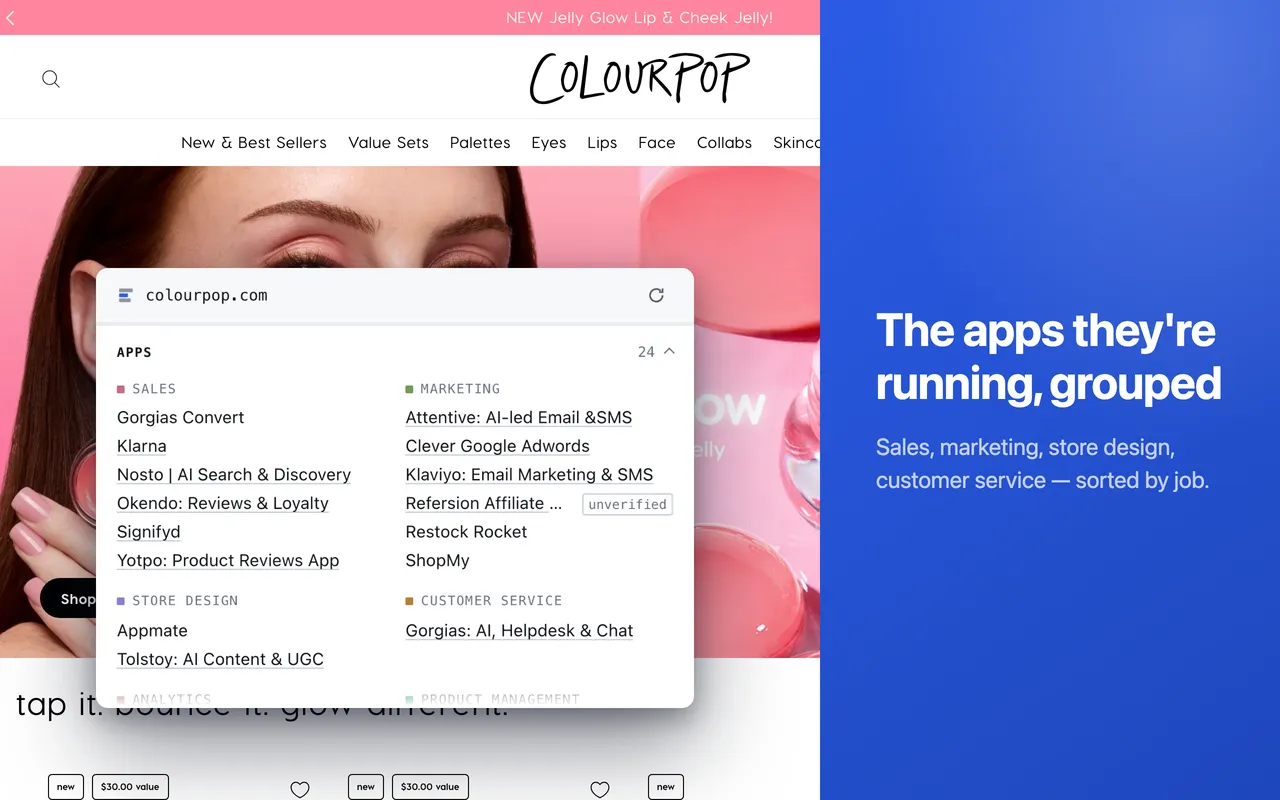
Groups the apps
The apps detectable on the page, sorted by the job they do: page builders, email, reviews, upsell, subscriptions, loyalty, shipping, search.
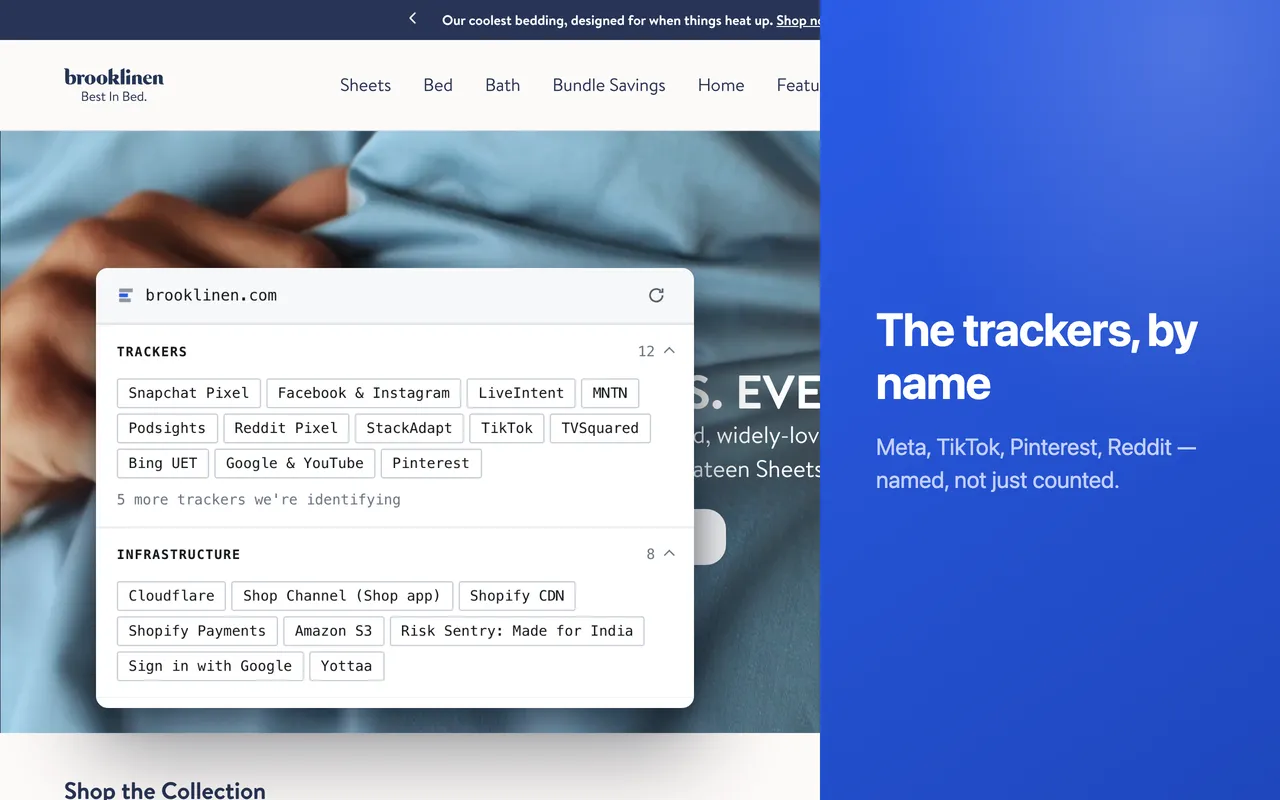
Names the trackers
Advertising and analytics pixels listed individually, alongside the CDN, payment, consent and search services behind the storefront.
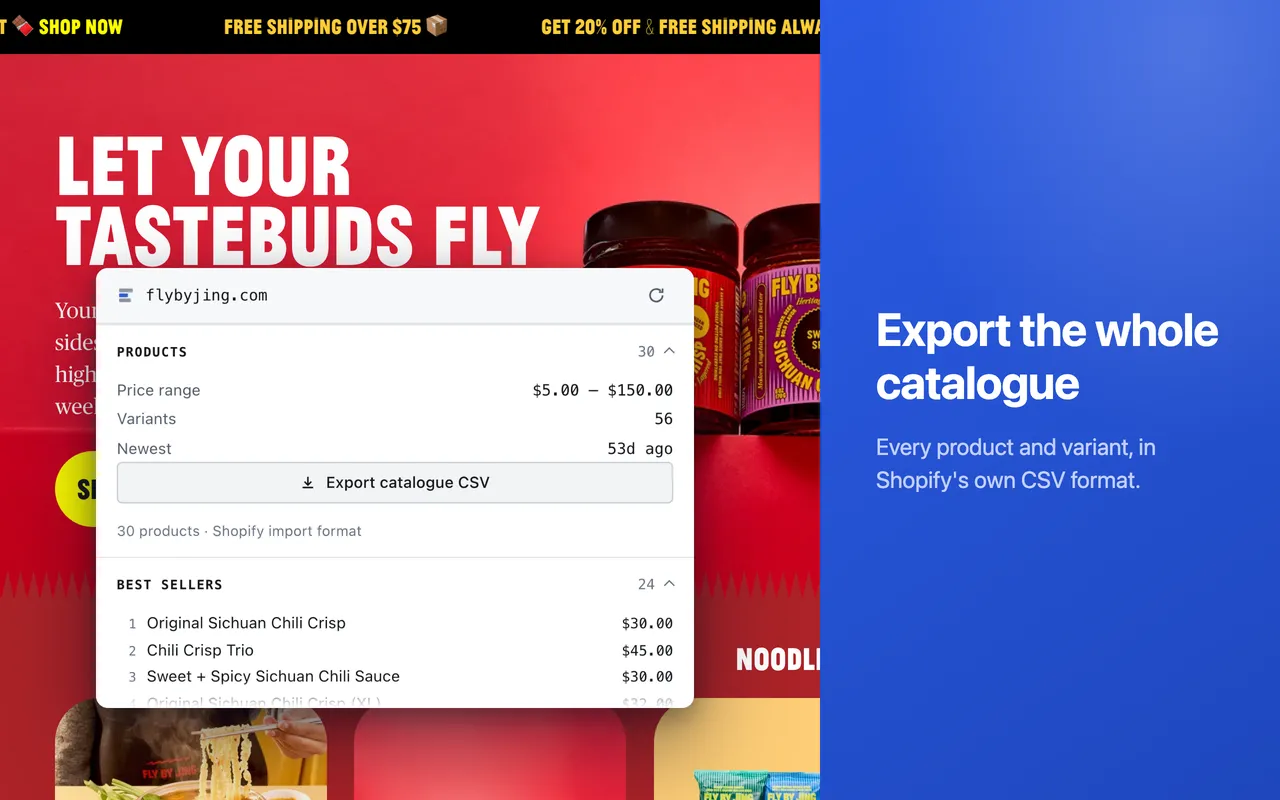
Exports the catalogue
Public products and variants — up to the first 10,000 — written to CSV in Shopify's own product-import format, assembled in your browser.
Evidence, not false certainty
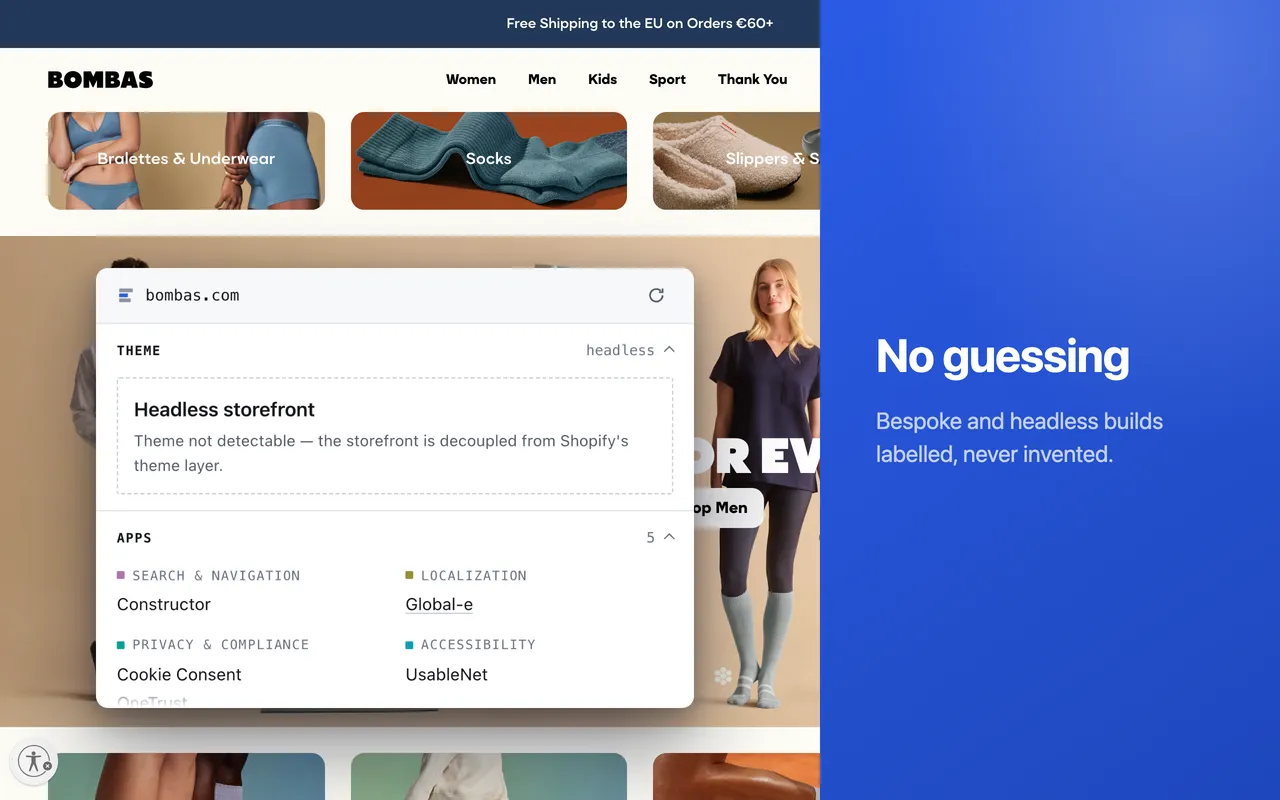
Detection is not always absolute, so the panel shows where judgment is needed rather than hiding it. Weak app matches are marked unverified instead of being quietly dropped; unknown hosts and trackers are counted, so gaps stay visible. A modified catalogue theme is marked customized, a bespoke build custom, a headless storefront headless — because its theme genuinely cannot be read from the page — and a site that is not Shopify is reported as not Shopify.
Privacy
Stackpeek runs only on the page you choose, when you click its icon. What leaves the browser is the page's origin — scheme, host and port — the detection signals found on the page, and one random per-install identifier. Path, query string and fragment are cut before the payload is built, and the server drops the install ID before recording anything about a store, so no list of pages you visited exists on either side. The product catalogue is assembled in your browser and never sent to Stackpeek. Nothing about a non-Shopify page is kept.
Project facts
| License | MIT |
|---|---|
| Built with | WXT, Svelte, TypeScript, Manifest V3 |
| Browsers | Chrome, Edge and other Chromium browsers; a Firefox build ships in every release |
| Permissions | activeTab, scripting, sidePanel, storage, and one host — the project's own API |
| Interface languages | English, German, Spanish, French, Hindi, Indonesian, Italian, Japanese, Korean, Portuguese (BR), Russian, Thai, Turkish, Vietnamese, Chinese (Simplified) |
| Price | Free |
Build it yourself
Requires Node 24 or newer:
| Clone | git clone https://github.com/tonic20/stackpeek-extension |
|---|---|
| Install | npm install |
| Develop | npm run dev |
| Test | npm test |
| Package | npm run build && npm run zip |
The same tree is mirrored to this project's
SourceForge Git repository,
and every release is published under
Files
with a SHA256SUMS.txt beside it.